Comealong
Event ticketing, made in New Zealand

From quiz night to festival gates.

One page that sells your event, a door that scans without a signal, and money that goes straight to your own account. The same tool for 30 people or 10,000.

Free events are free. Paid tickets cost 3% + $0.30, usually paid by the guest. No subscription, no setup fee, no contract.

A sample event, as the guest, the gate and you see it.

Everything an event needs, sorted by the job in front of you

Turn on what you need. A quiz night uses three of these; a festival uses all of them.

Sell

A page that does the selling

  • Paste your event's text or link and the page builds itself
  • Moving from Eventbrite or Humanitix? Paste your event link
  • Ticket types, wristband tiers, add-ons and donations
  • Early-bird steps, promo codes and group discounts
  • Presale with a ballot for early access
  • A waitlist that offers freed places by itself
  • Card, Apple Pay, Afterpay, PayPal or bank transfer
Promote

Know which post sold the tickets

  • Promoters with their own tracked links, and comps they can give
  • A tracked link for every post, with views and sales per link
  • Email and SMS to past guests and followers who asked to hear from you
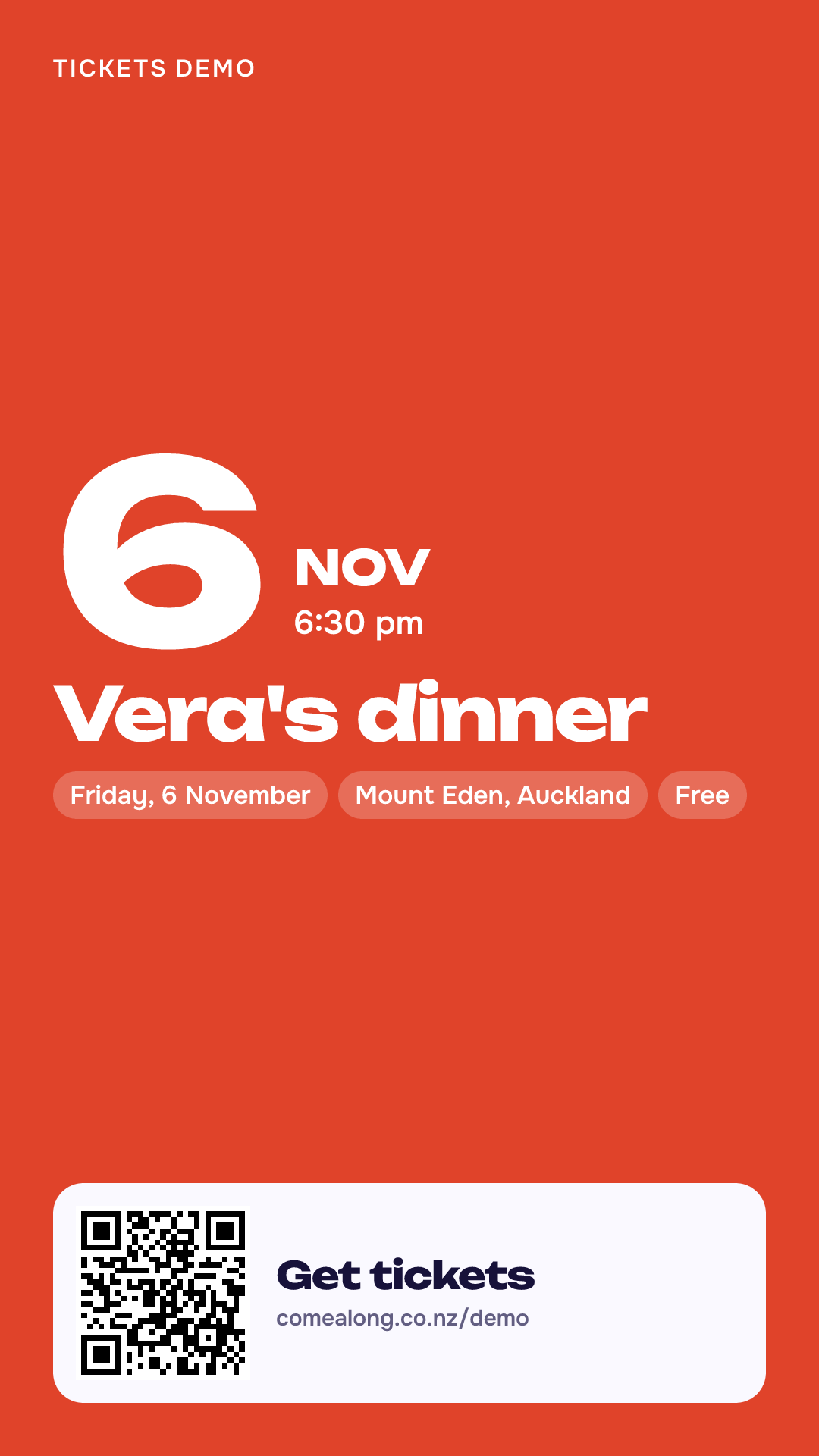
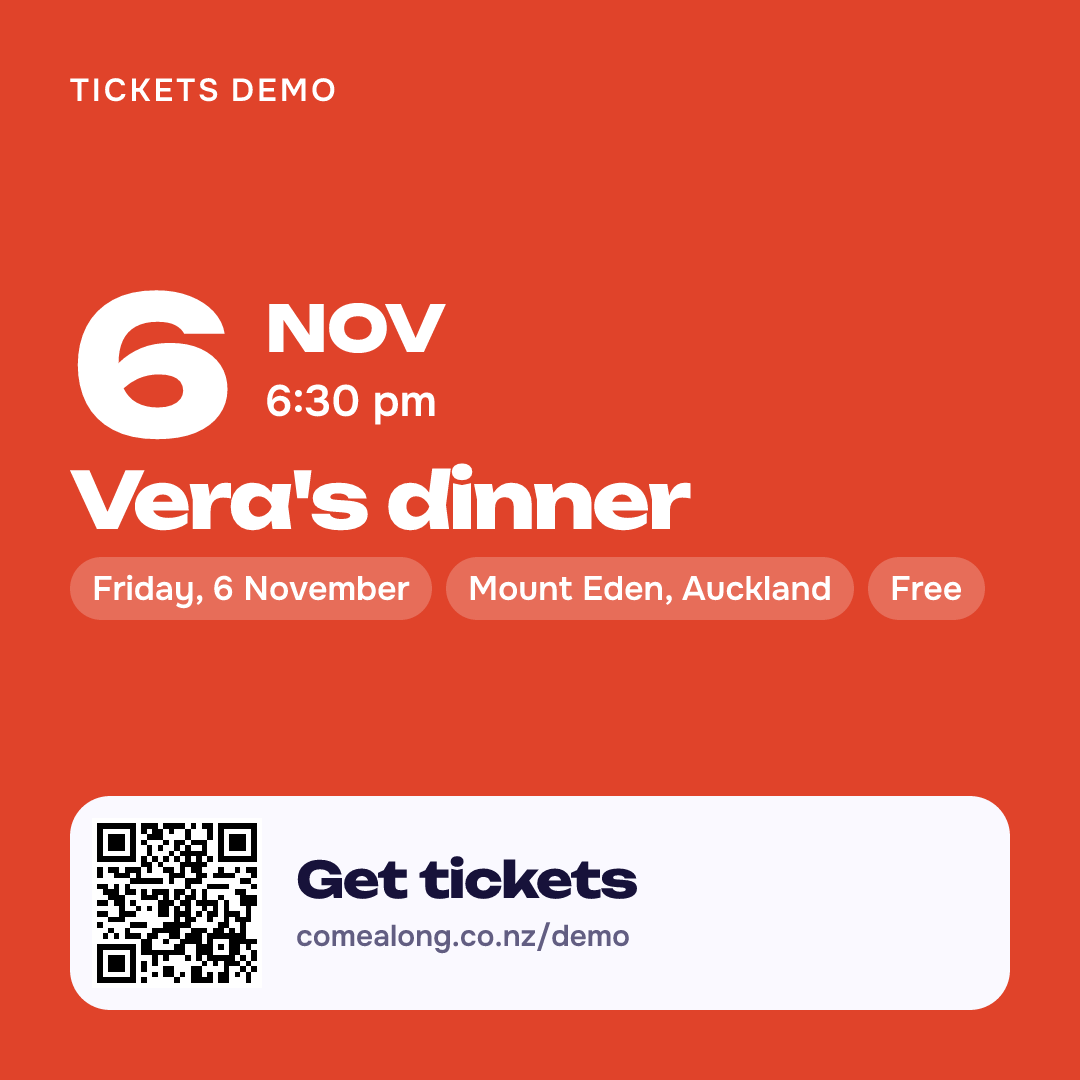
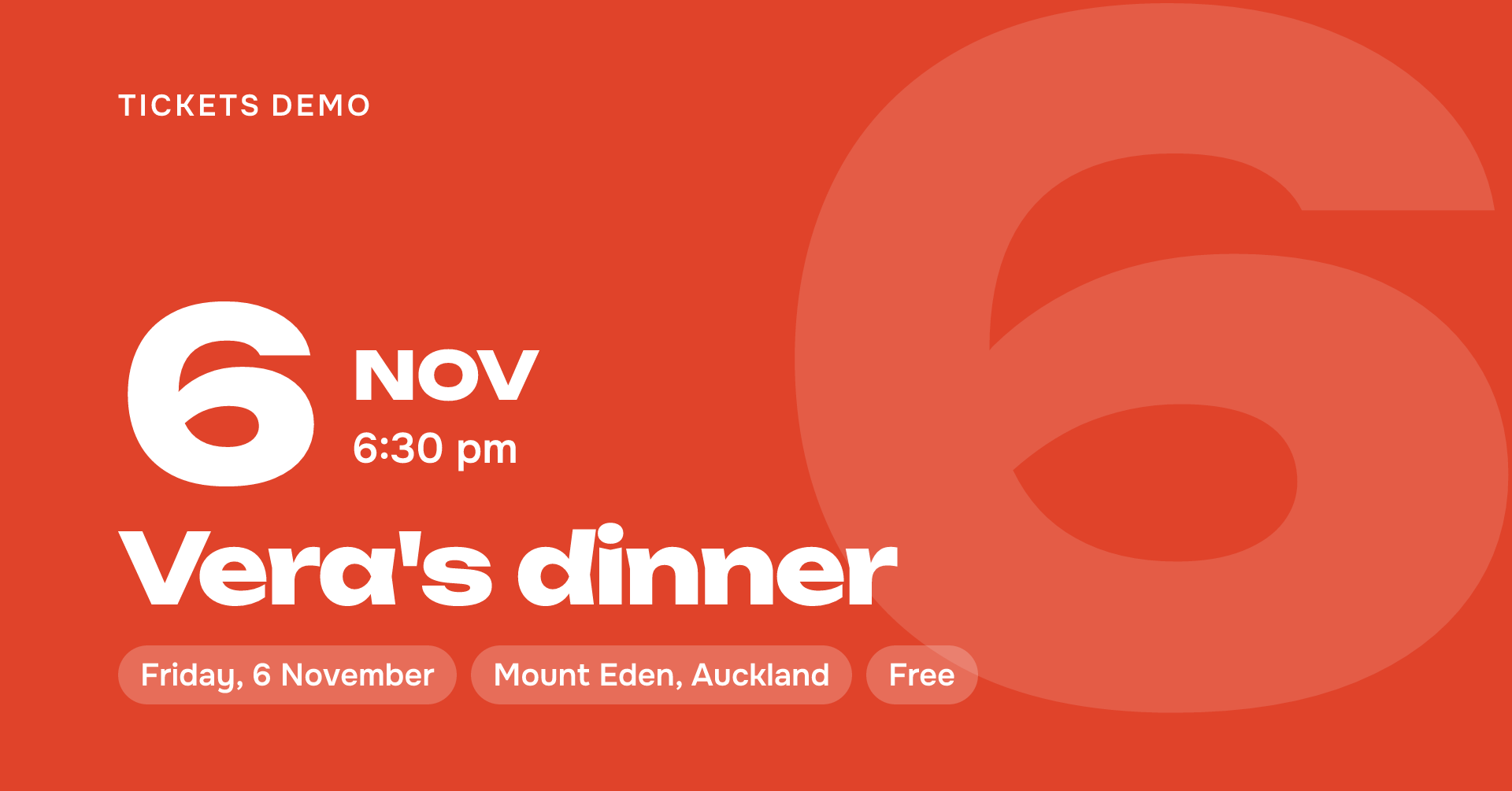
  • A poster, a story and a square post, drawn for every event
  • Followers hear about your next event by themselves
  • An events box or a button for your own website

Run the door

A door that keeps working

  • Scan the QR or search the name
  • Works without a signal and catches up when it returns
  • A door link for each helper, with a PIN and set hours
  • Several gates scanning one guest list
  • Sell at the door: cash, card machine or the guest's own phone
  • The wristband colour shown with every scan

Get paid

The money goes to you, not to us

  • Card payments land in your own Stripe account
  • Bank transfers go to your bank, matched from your statement
  • Refund rules you set: full, part or none
  • Official resale when a guest can't come, at a fair price
  • A report and a spreadsheet after the event
  • Receipts and tax invoices for our fee

Pick a size. The price stays the same.

Choose how big your event is and what a ticket costs. This is exactly what we charge, worked out the same way as at checkout.

Size of event
What you'd switch on
  • One phone at the door
  • Bank transfer or cards
  • A reminder to guests the day before
  • Door links for helpers
  • Early birds and promo codes
  • A tracked link for every post
  • Wristband tiers
  • Promoters and comps
  • Email and SMS campaigns
  • A waiting room for the on-sale
  • Multi-day passes and gates
  • Bulk guest import
  • Presale ballot and official resale
The guest pays$26.05per ticket
Our fee per ticket$1.053% + $0.30
Monthly or setup cost$0
You receive$7,500300 tickets × $25.00

The fee is added to the guest's total unless you choose to absorb it. Card payments also carry Stripe's own fee, which you can pass on too.

For festivals and big nights

Ready for the rush at the on-sale and at the gates

Thousands arriving at once is a different job. These are the parts built for it, in the same tool your team already knows from the small nights.

  • Waiting roomWhen sales open, buyers wait their turn in order instead of the page falling over.
  • Multi-day passesDay, weekend and VIP passes, each valid on the days it covers.
  • GatesSeveral entrances with their own scanners, all checking one guest list.
  • WristbandsEvery scan shows the band to hand over, so the right people reach the right areas.
  • Bulk guest importArtists, crew, sponsors and media: paste the list and everyone gets a ticket.
  • Presale ballotFans register for early access and you draw who gets in, fairly.
  • Official resaleGuests who can't come resell through your page, so tickets stay out of touts' hands.
  • Offline scanningScanners keep the list on the phone. A dead spot in a paddock doesn't stop the gate.

Planning something big? Talk to us

Tell us the event, the dates and how many people you expect. We'll write back to plan the on-sale, the gates and the payments with you.

Privacy

Prefer bank transfer? Your statement, matched for you

A transfer costs you no card fee. Guests type a short code when they pay. Paste the statement and every line finds its guest. You tap to confirm; nothing is confirmed without you.

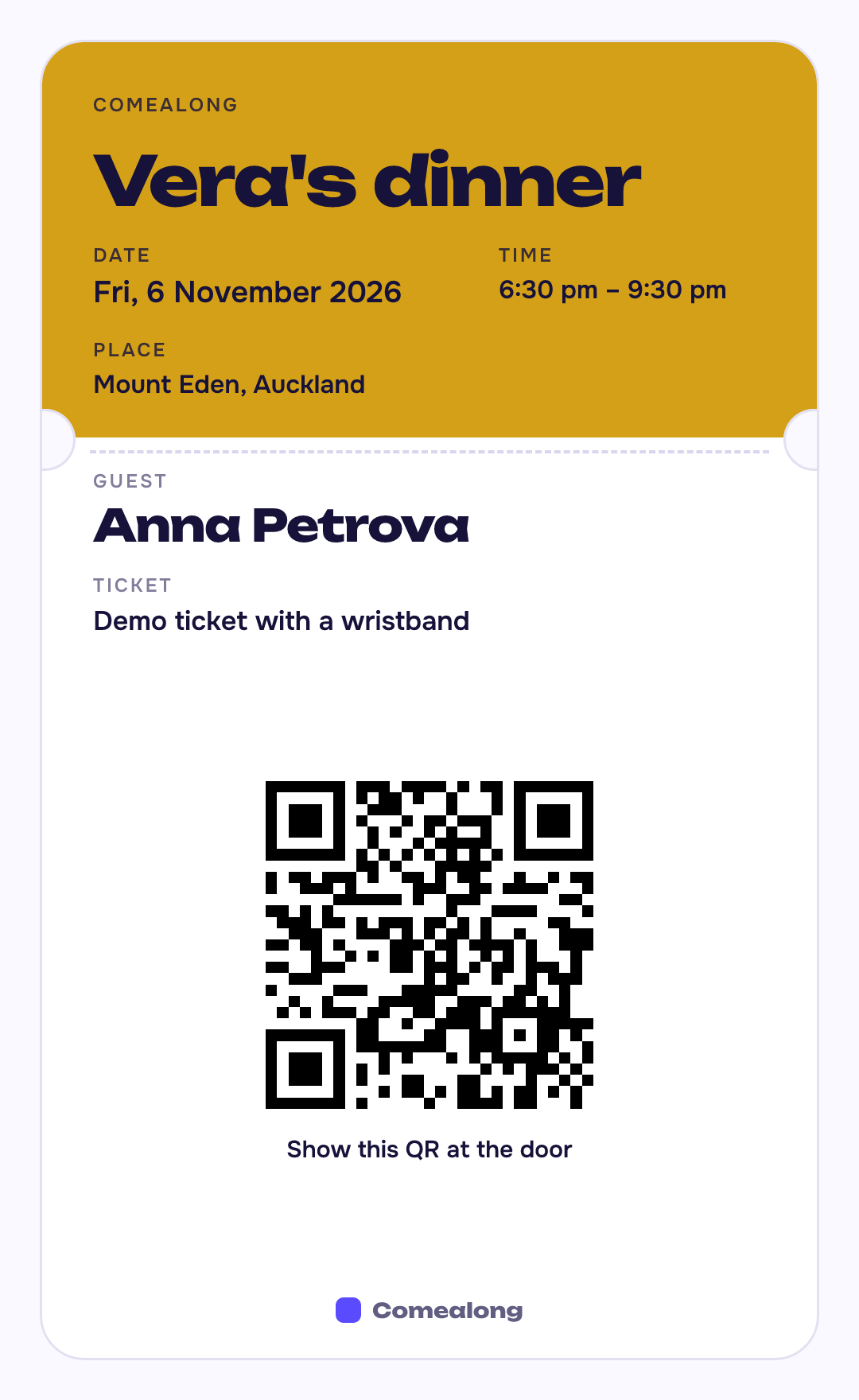
Pictures ready to post, and a ticket for every guest

Every event gets its pictures in its own colour and language: a QR ticket for each guest, and a story, a square post and a Facebook event cover for you. Nothing to design.

A guest's ticket
Story
Square post
Facebook event cover

Three questions to ask any ticketing platform

Put them to us and to anyone else you're considering. Here are our answers.

The fine print, in plain words
Our fee on a paid ticket
3% + $0.30, GST included. Added to the guest's total unless you absorb it.
Free events
Free, however many guests.
Bank transfer
Guests pay your account directly. Paste your statement and each line is matched to its guest for you to confirm.
Cards and Apple Pay
Through your own Stripe account, so the money is yours from the moment it is paid. Stripe's fee is separate from ours.
Subscription or setup cost
None.

Questions

FAQ →

Do my guests need an account or an app?

No. They open the link, type a name and an email, and pay. The ticket arrives by email.

How do guests pay?

By card or Apple Pay, by PayPal, or by bank transfer to your own account with a reference code we generate. You choose which of these each event offers. Cards need your own Stripe account, which you connect under Getting paid.

Do you hold my money?

No. Transfers go straight from the guest to you, and card payments go into your own Stripe account. We only keep the list of who has paid.

How do I know who has paid?

Each booking has a reference code. Paste the lines from your bank statement and we match them; you confirm each one with a tap. Nothing is confirmed without you.

I run the same event every week. Is that awkward?

No. "Duplicate for next week" copies the settings and gives you a fresh link and an empty guest list.

Which languages?

English, Russian and Ukrainian, for guest pages and for your own screens.

Who sees my guests' details?

You, and anyone you add as a co-organiser for that event. We never send your guests marketing of our own; your news goes only to the guests who ticked yes to it.

Who is behind this?

AIM Dev Ltd, a small software studio in Auckland. We use it for our own events too.

Your next event could be on sale tonight.

Make the page now: no account needed until you publish.